
Creating an account
Creating an account in Echo allows you to securely store, sync, and access your notes across devices.
While it is possible to use Echo without signing in, we strongly recommend creating an account to avoid losing your recordings.
Why creating an account is important
When you are signed in, your notes are:
• Safely stored and backed up
• Synced across your devices
• Accessible if you change or upgrade your phone
👉 Without an account, recordings are only stored temporarily on your device and may be lost.
How to create an account
When you open Echo, you will be prompted to sign in or create an account.
You can choose one of the following methods:
• Sign in with Apple
• Sign in with Google
• Sign in with Microsoft
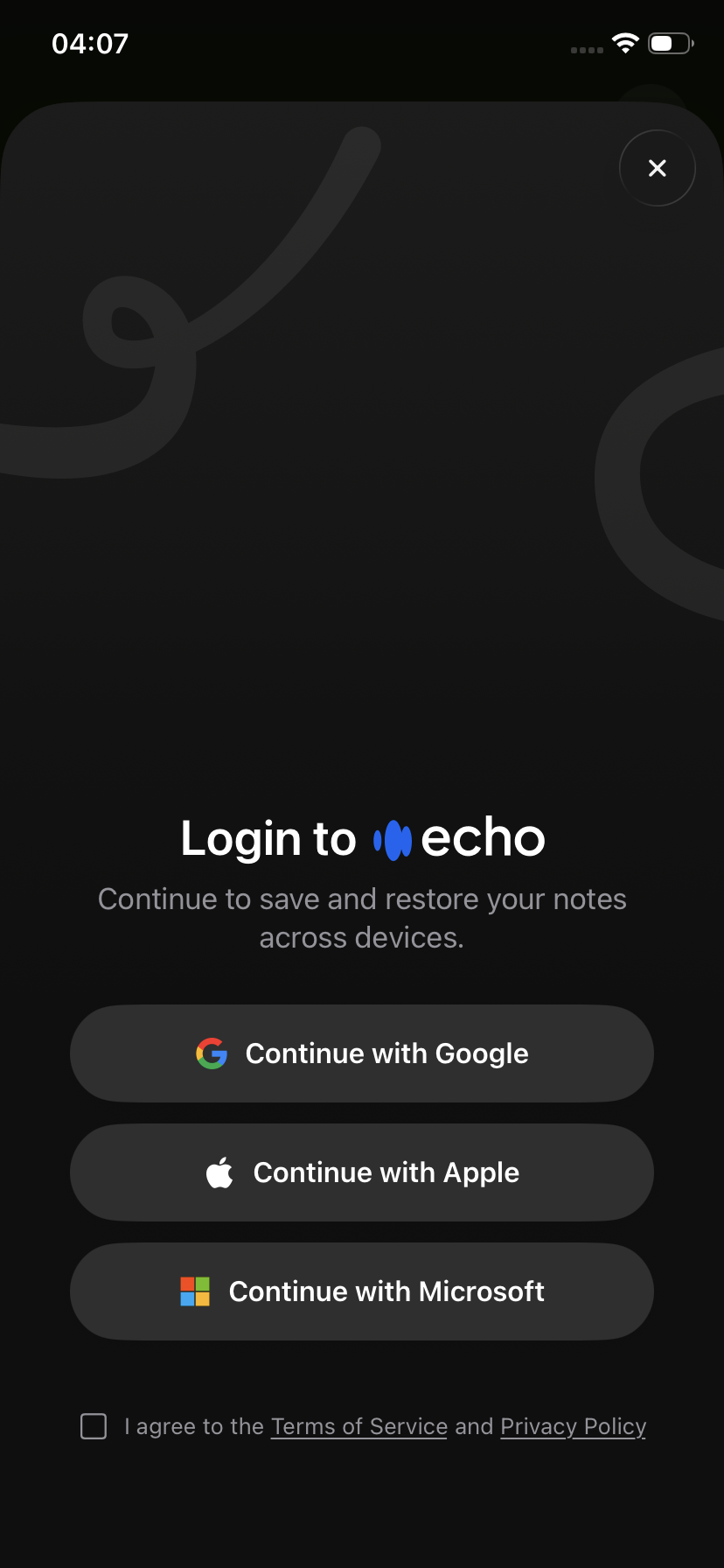
Once signed in, you can start using Echo right away.
Web subscribers (email connection)
If you purchased Echo through our website, you will first need to connect your email address.
To use it in the app:
Open the Echo app
Skip the paywall if shown (tap the ❌ or skip button)
Go to Menu → Settings → Connect Email
Enter the email used during checkout
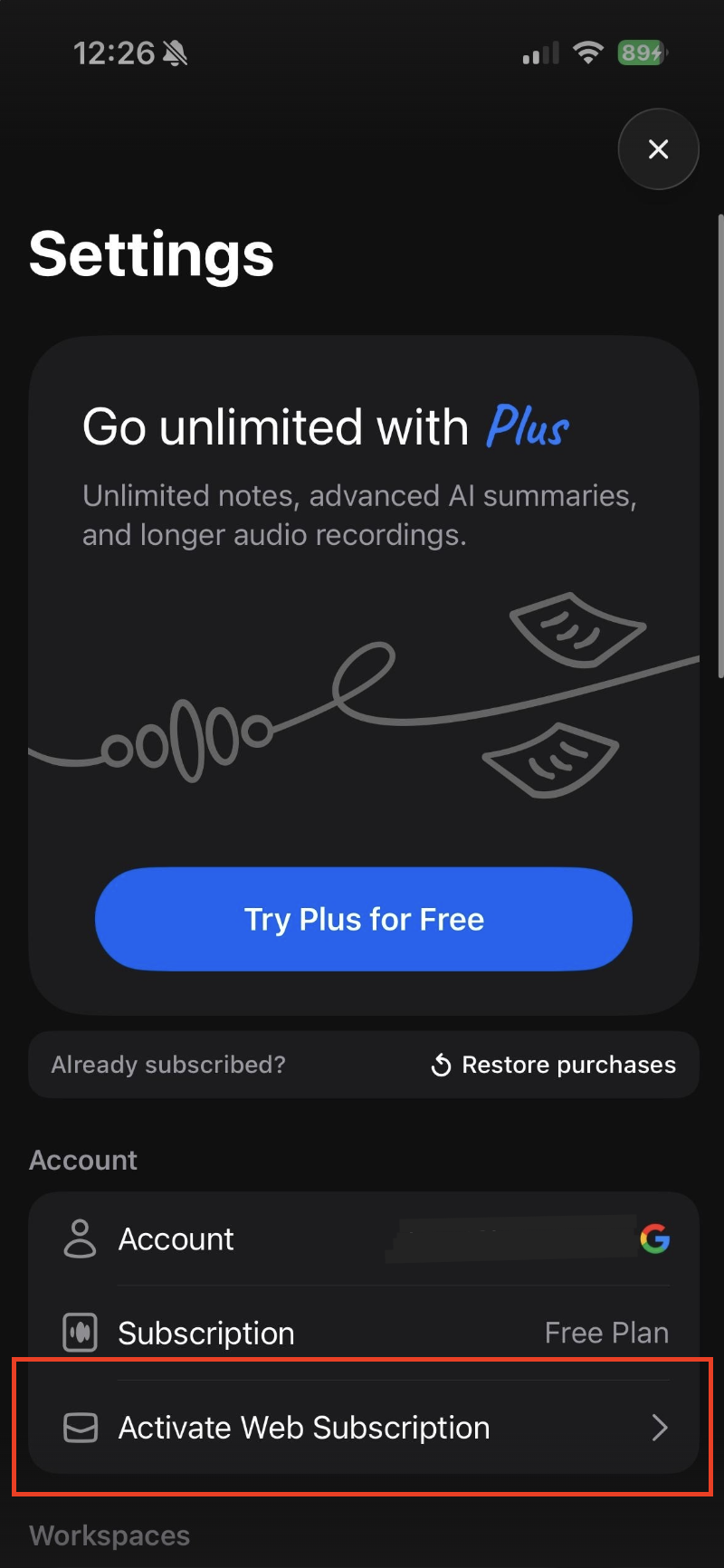
Once connected, your can proceed by creating an account.
Important: choosing the right account
Your notes are always tied to the account used when they were created.
👉 It is very important to remember:
• Which sign-in method you used (Apple / Google / Microsoft)
• Which account/email you used
Using the same email with a different provider creates a different account.
How to safely link your existing notes
If you already have notes on your device and want to keep them:
Stay on the device where the notes exist
Go to Echo → Settings
Create a new account (do not log into an existing one)
This will attach your current notes to that new account.
After that, you can log into the same account on other devices to access them.
Logging into an existing account vs creating a new one
Be careful when signing in, especially if you already have notes on your device.
If you used Echo without being signed in and then log into an existing account, the app will switch to that account. As a result, your previous local notes will no longer be visible and cannot be retrieved.
What we recommend
If you already have notes on your device and want to keep them:
👉 Do not log into an existing account
Instead:
Go to Echo → Settings
Create a new account
This will link your current notes to that account
If you already logged into an existing account
If you have already signed into another account and your notes disappeared, there is unfortunately no way to recover them.
For this reason, it’s important to not only check whether your notes are being created while signed in, but also to be mindful of whether you are creating a new account or logging into an existing one.
Best practices
To avoid losing data:
• Always stay signed in when using Echo
• Use the same login method across devices
• Make sure to remember your sign-in method and credentials
• Create an account before switching devices